Test SharePoint Security with this easy to use security vulnerability scan. Discover vulnerabilities, web server details and configuration errors.
SharePoint is a popular content management system built by Microsoft. Often used by corporations & enterprises it is a popular target for attackers. This SharePoint security scanner will test your Internet facing installation for security issues, configuration errors and poor reputation links so you can get to work mitigating the vulnerabilities.
Perform a Free SharePoint Security Scan with a low impact test.
Check any SharePoint based site and get a high level overview of the sites security posture. Once you see how easy it is grab a membership and test SharePoint with the dedicated Active Checks, Nikto, OpenVAS and more.
Low Impact Recon Immediate Results No login required
Membership Benefits
Access advanced network mapping and regular scan schedules.
Detect
Nothing to install. Hosted tools for easy access.
Identify
Identify the attack surface with Nmap Port Scanner
Access Granted
To 27 Vulnerability Scanners & IP Tools.
Test
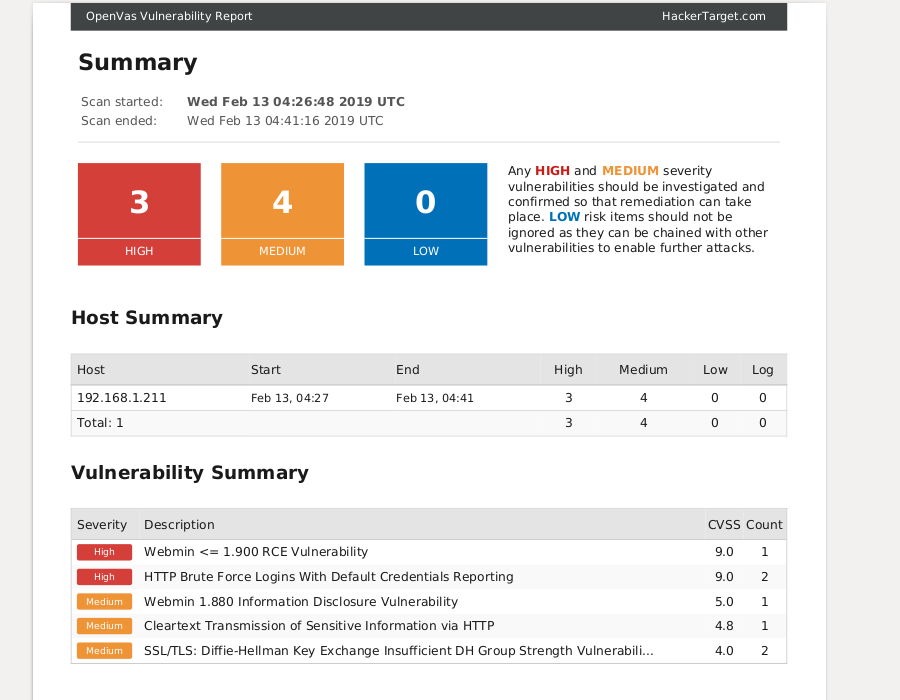
Test Sharepoint with OpenVAS and Nikto Scanners
About Sharepoint Security Testing
Sharepoint Security Testing is an essential part of managing any Sharepoint based site. Sharepoint is a content management system used by large enterprises, making it a popular target for attackers. Even a simple configuration error can lead to the exposure of sensitive data. Recent remote code execution vulnerabilities underscore the need for diligent security patching and system management.
We have a range of hosted tools for testing Sharepoint and other web platforms in a variety of use cases.
The freely available SharePoint check performs analysis from a simple page grab. Through examination of the HTML source code, javascript and a few other open publicly accessible pages it is possible to gain immediate insights into the state of security on the target site. This is without sending any aggressive security scanning, using only passive analysis methods.
Our second form of scanning involves using active security testing tools (OpenVAS, Nikto, Nmap are examples) that send hundreds of requests against the target site to find security issues (vulnerabilities) that are not immediately apparent from passive analysis.
Comprehensive Security Testing
- Get informed with detailed technical reporting
- Assess the Security Posture of Any Web Site
- Test underlying server and network accesses
- Attack Surface Analysis with Bulk Testing
- Intelligence for Red Teams, Blue Teams and Web Site Ops
- Full Access to 28 Vulnerability Scanners & Tools
Comparing the Options
Members get access to the full suite of security tools. It's a security testing go bag for security professionals and system administrators.
Free Sharepoint Security Check
- SharePoint Version Check
- Threat Intelligence Lookups on Host and IP
- Check access on common endpoints for information leakage
- Enumerate Externally linked hosts from main page (inc threat intel)
- Javascript linked (inc threat intel check)
- Server, Hosting and Geo-location Information
Additional Benefits (with Membership)
- Enumerate responses from over 100 common paths to test permissions and mis-configurations (Active SharePoint Scan).
- Use Nmap to check firewalls & open services for configuration errors.
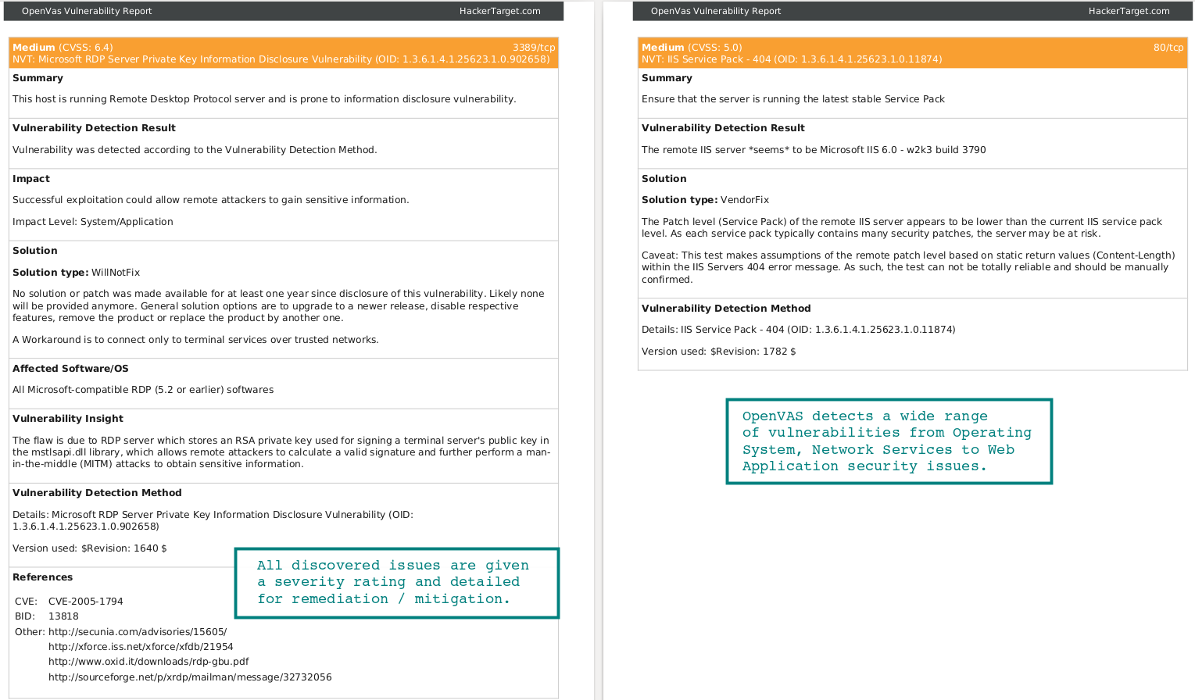
- Use OpenVAS to test Sharepoint & Web Server vulnerabilities.
- Use Nikto to test website scripts and web framework
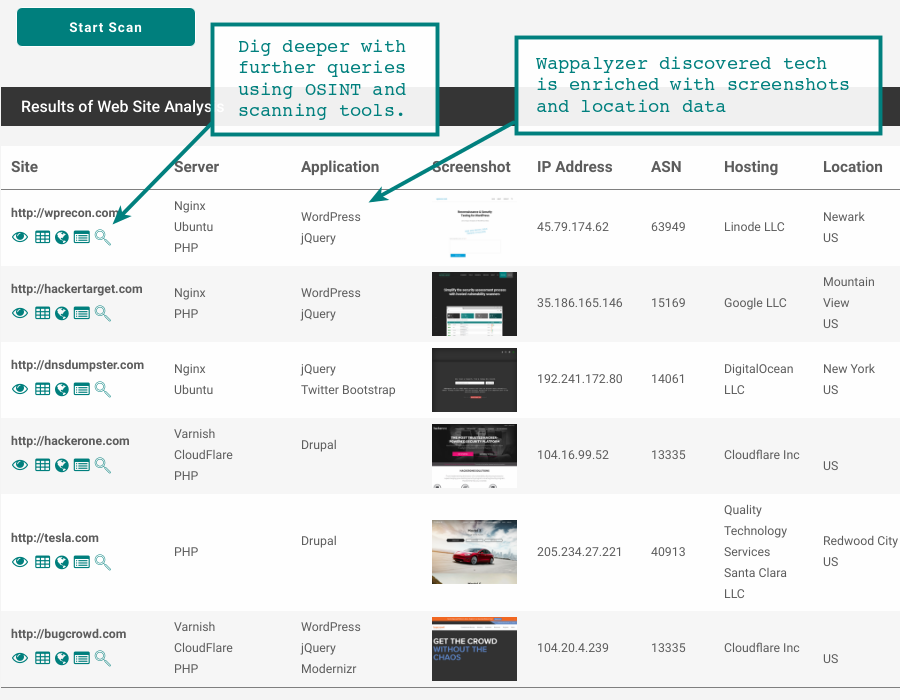
- Passively survey sites in bulk for web technologies and other details
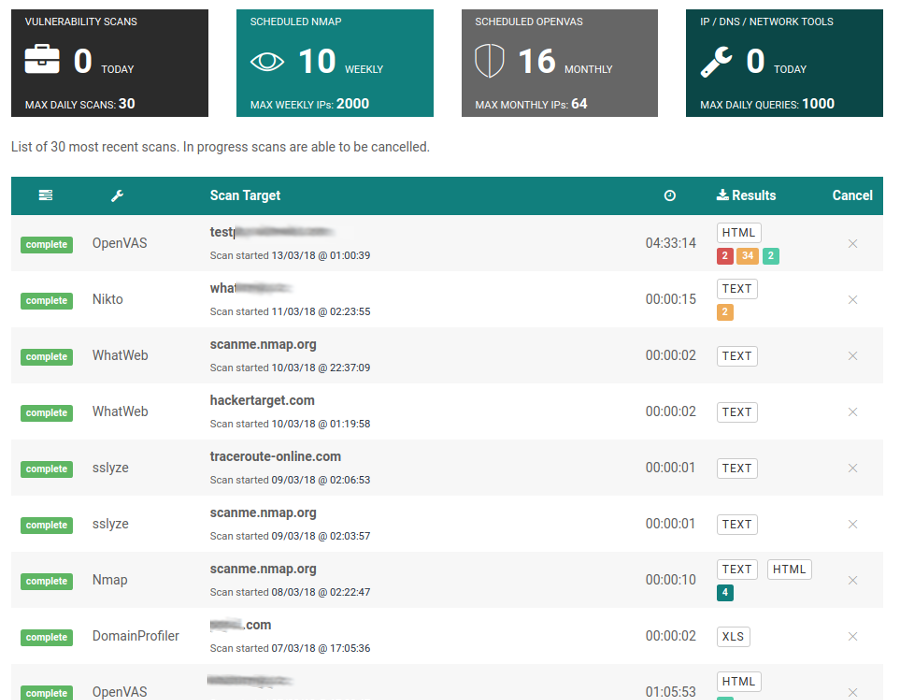
- Monitor open ports and vulnerabilities with scheduled Nmap & OpenVAS
- With membership you have full access to all security testing tools including port scanner, web server testing and system vulnerability scanner.
Do More with a Membership7 day money back guarantee
SharePoint Vulnerabilities
Over the past 18 months there have been a number of critical security vulnerabilities identified in SharePoint. Following publication, high profile organisations have been compromised by both non-state and state actors (targeted state backed attackers).
Vulnerabilities are regularly discovered and patched (often monthly), however these recent vulnerabilities were remote code execution (RCE) - the worst type of vulnerability as it usually leads to complete server take over.
Microsoft SharePoint remains a high-value target for attackers, and recent incidents show why regular patching and security testing are essential. In 2025, Microsoft warned of active attacks against on-premises SharePoint Server, including vulnerabilities such as CVE-2025-49704, CVE-2025-49706, and later CVE-2025-53770 / CVE-2025-53771, which were linked to real-world compromise activity.
In 2026, serious SharePoint issues have continued, including CVE-2026-20963, a critical unauthenticated remote code execution vulnerability that has been observed in active exploitation and added to CISA’s Known Exploited Vulnerabilities catalog. Microsoft also released additional SharePoint security updates in March 2026 addressing further remote code execution and related flaws affecting supported on-premises SharePoint versions. These incidents are a strong reminder that SharePoint servers require ongoing patch management, exposure review, and regular security testing to reduce the risk of compromise.
End of Life (EOL) for SharePoint 2016 and 2019
The clock is ticking on this one. Keep this on your check list for those still on SharePoint on prem - July 14 2026 is EOL for these highly utilized products.
Simple Check List for SharePoint Security
SharePoint being backed by Microsoft is a robust product. However, there are a number of key items to be aware of when it comes to staying secure:
- Apply Microsoft Updates: Patching is build into the automated Windows Update process. Ensure this is performed monthly to always get the latest security updates.
- Regularly Audit Content: Always check that permissions are adequate across the site. Mistakes in assignment of permissions can lead to company data being leaked from simple mistakes.
- Test Server for Vulnerabilities: Perform routine server vulnerability scanning to identify security issues that might otherwise be missed.
One of the things we love about open source security solutions is that you can not only run the tool and get results; but also dig into the code and understand what is being tested and why it is being tested. Knowledge is the key to a strong cyber security posture.
OpenVAS (now known as GVM) is a powerful framework developed by Greenbone Networks. As it is open source you are free to download, install and run on your own systems and Internal network. Here at hackertarget.com we simply offer a hosted version to save you time - so that you can get on doing what you do.
Vulnerability Scans and Network Intelligence
Use Cases
28 vulnerability scanners and network tools
Membership